Smart Plugs For Energy Saving
A practical step-by-step guide to smart plugs for energy saving, including preparation, instructions, common issues, tips, and next steps.
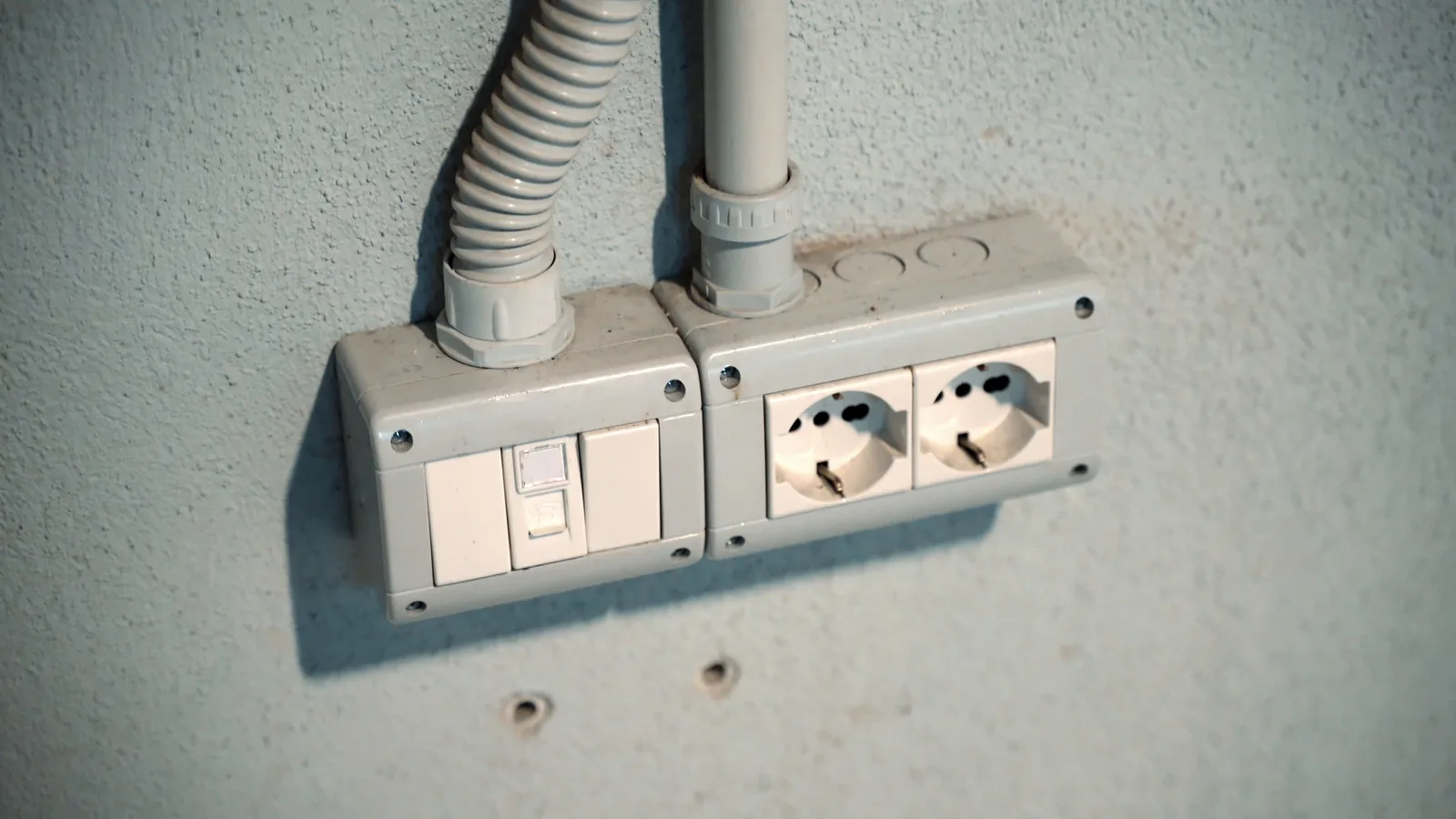
Smart Plugs For Energy Saving
Smart plugs are a simple, affordable way to reduce energy waste in your home. By scheduling devices to turn off when not in use, monitoring energy consumption, and automating routines, you can lower your electricity bills and extend the life of your electronics. This guide covers choosing the right plugs, setting them up, and using them effectively for maximum energy savings.
Fast Answer
- Smart plugs let you control any plugged-in device from your phone or voice assistant, allowing you to turn off electronics that are in standby mode and still drawing power.
- By setting schedules and timers, you can ensure that devices like lamps, heaters, and chargers are only on when you actually need them, which can reduce your energy usage and lower your bills.
Before You Start
- Identify which devices in your home consume the most energy when left on, such as entertainment systems, computers, or appliances in standby mode.
- Check if your home Wi-Fi network is stable and has a strong signal in the areas where you plan to use the smart plugs, as they rely on Wi-Fi to function.
- Download the companion app for your smart plug brand on your smartphone, and create an account if required, before you begin setup.
- Have a notepad or phone ready to record your current energy usage patterns, such as how many hours per day each device runs, to establish a baseline for savings.
Step-by-Step Instructions
Choose the right smart plug for your needs
Start by selecting smart plugs that are suitable for the devices you want to control. Check the plug's maximum current and wattage rating against the power requirements of your electronics. For most household gadgets like lamps, phone chargers, and entertainment systems, a standard 10-amp plug is enough. However, for larger appliances like heaters or air conditioners, you may need a heavy-duty smart plug. Also, consider whether you need a plug with energy monitoring features—these allow you to see exactly how much electricity your devices use, which is key for identifying energy hogs. Finally, try to choose plugs from a reputable brand that offers a reliable app and regular firmware updates to ensure security and functionality.
Plug in the smart plug and connect it to Wi-Fi
Insert the smart plug into a wall outlet that is within range of your Wi-Fi router. Turn on the smart plug, and then open the accompanying app on your smartphone. The app should guide you through connecting the plug to your home network. Usually, you'll need to put the plug into pairing mode, often by pressing a button on the plug itself. Then, choose your Wi-Fi network and enter the password. If the connection fails, check your router's manual for instructions on enabling a 2.4GHz network, as many smart plugs only support this band. Once connected, give the plug a name (like 'TV' or 'Coffee Maker') and assign it to a room if the app allows. This initial setup is the foundation for everything else, so take your time.
Set up schedules to match your routine
Within the smart plug app, find the 'Schedule' or 'Timer' feature. Create a schedule that turns the device off during times you don't need it, such as while you're at work or asleep, and turns it back on shortly before you arrive home or wake up. For example, if you use a lamp in the living room from 6 PM to 11 PM, schedule it to turn on at 5:45 PM and off at 11 PM. This ensures the device is only using power when necessary. If your daily routine varies, you can enable random offset times to make it look like someone is home, which is a bonus for security. After setting the schedule, review it to confirm there are no conflicts, and remember to adjust it for seasonal changes or when your routine shifts.
Use energy monitoring to track usage
If your smart plug has energy monitoring, open the app's energy dashboard to see how much power the connected device consumes. Start by turning the device on and observing the live wattage reading. Then, after a few days, review the historical data to see patterns in usage. This helps you identify which devices are using the most electricity, even when you thought they were off. For instance, you might discover that your computer consumes 10 watts in standby mode—that's energy wasted. Use this information to decide which devices to unplug completely or schedule off more aggressively. Many apps can even calculate estimated cost, but check your electricity bill for actual rates. This step turns your smart plug from a convenience tool into a serious energy-saving device.
Create automation with other smart devices
Most smart plugs work with voice assistants like Amazon Alexa, Google Assistant, or Apple HomeKit, so you can control them with your voice. First, enable the smart plug's skill or action in your assistant's app, then link your account. After that, try routines: for example, say 'Good night' to turn off all your smart plug-connected devices. Some apps also let you set triggers, like turning off the humidifier when the room's temperature drops below a certain point. Explore the automation section to combine multiple actions. For instance, you could create a morning routine that turns on your coffee maker and a lamp at the same time—but only on weekdays. Just remember to keep your routines simple to avoid confusion, and always update them if your habits change.
Review and adjust your settings regularly
To maximize energy savings, it's important to periodically review the usage data and your schedules. Once a month, open the app and look at the energy reports for each plug. Compare the usage with previous months and see if there are any surprises. If a device is still consuming more than expected, consider reducing its on-time or unplugging it entirely. Also, check for any scheduled times that are no longer aligned with your routine. For example, if you started working from home, your 'turn off at 9 AM' schedule might be wasteful. Adjust the schedules accordingly, and also take note of any firmware updates for your plugs and install them. This ongoing maintenance ensures your smart plugs continue to work efficiently and safely.
Quick Reference
| Situation | Action | Why it helps |
|---|---|---|
| I often forget to turn off the lamp in the living room before going to work. | Set a schedule to automatically turn off the lamp at 8:00 AM on weekdays and 10:00 AM on weekends. | This prevents the lamp from being on all day, saving electricity and reducing your energy bill. |
| I want to know if my old freezer is using too much electricity. | Plug the freezer into a smart plug with energy monitoring and check the daily consumption in the app after a week. | High consumption may indicate an old, inefficient appliance that might need replacement or repair. |
| I have a space heater that I want to turn on before I get home, but I don't want it running all day. | Use a schedule to turn the heater on 30 minutes before you arrive and off 30 minutes after you usually leave. | This ensures the heater only runs when needed, keeping your home comfortable without wasting energy. |
Common Issues
- Smart plug frequently disconnects from Wi-Fi or is unresponsive.: Check if your router is too far from the plug. Move the plug closer or add a Wi-Fi extender. Also, make sure your router firmware is updated. If the problem persists, reset the smart plug and reconnect it to the app.
- The smart plug gets warm when in use.: A slight warmth is normal, but if it's hot to the touch, unplug it immediately. This usually means the plug is overloaded. Check the wattage of the connected device and ensure it doesn't exceed the plug's rating. Also, ensure the plug is not covered by anything that traps heat.
- The schedule doesn't turn the device on or off as expected.: First, verify that the device itself is in good working condition and not manually switched off. Check if the schedule time is correct in the app, and confirm the plug's time zone is set right. Also, make sure the plug's firmware is up to date. If the issue continues, delete the schedule and recreate it.
Advanced Tips
- If your smart plug app supports 'away mode', use it. This feature randomly turns lights on and off while you're on vacation, saving energy and making it look like you're home.
- Connect your smart plugs to your smart speaker and create voice commands that turn off groups of devices. For example, 'Turn off the entertainment system' can power down your TV, soundbar, and gaming console with one phrase.
- Consider using smart plugs with 'charity' or 'vacation' modes that allow you to schedule a regular cycle for devices like air purifiers or aquarium heaters, ensuring they run just enough to maintain their purpose without wasting energy.
Final Checklist
- I have chosen smart plugs that match the wattage of my devices and have energy monitoring features.
- I have connected all smart plugs to my home Wi-Fi and named them clearly in the app.
- I have set schedules for all frequently used devices to reduce standby power and align with my daily routine.
- I have reviewed the energy usage reports in the app and adjusted any settings to improve savings.
FAQ
Can smart plugs really save me money on my electricity bill?
Yes, they can. Smart plugs reduce energy consumption by turning off devices that are in standby mode or that are left on unintentionally. Standby power can account for up to 10% of your household electricity usage. By scheduling devices to turn off when not in use, you can cut this waste. However, the actual savings depend on how many devices you have plugged in and how often you use the schedules. Use the energy monitoring feature to track your usage and see the difference.
Are smart plugs safe to use with all appliances?
Smart plugs are safe for most household electronics, but you must check the plug's maximum wattage rating and never exceed it. Do not use smart plugs with high-power appliances like space heaters, air conditioners, or hairdryers unless the plug is explicitly rated for them. Also, avoid 'daisy-chaining' or plugging a smart plug into a power strip. Follow the manufacturer's instructions and your device's power requirements.
What should I do if my smart plug stops working after a power outage?
After a power outage, smart plugs may lose their Wi-Fi connection and revert to a default state. To fix this, first, unplug the smart plug from the outlet, wait a few seconds, and plug it back in. Then, check your Wi-Fi network and router. If the plug still doesn't reconnect, you may need to reset it by holding down the button for several seconds and then re-add it to the app. Always refer to the manufacturer's instructions for your specific model.